100% private
Everything runs on your Mac. No clouds. No servers.
 WhatDidYouSay
WhatDidYouSay turns voice notes, recordings and videos into readable text, with transcription and translation handled locally on your Mac.
macOS 14+ · Apple Silicon & Intel
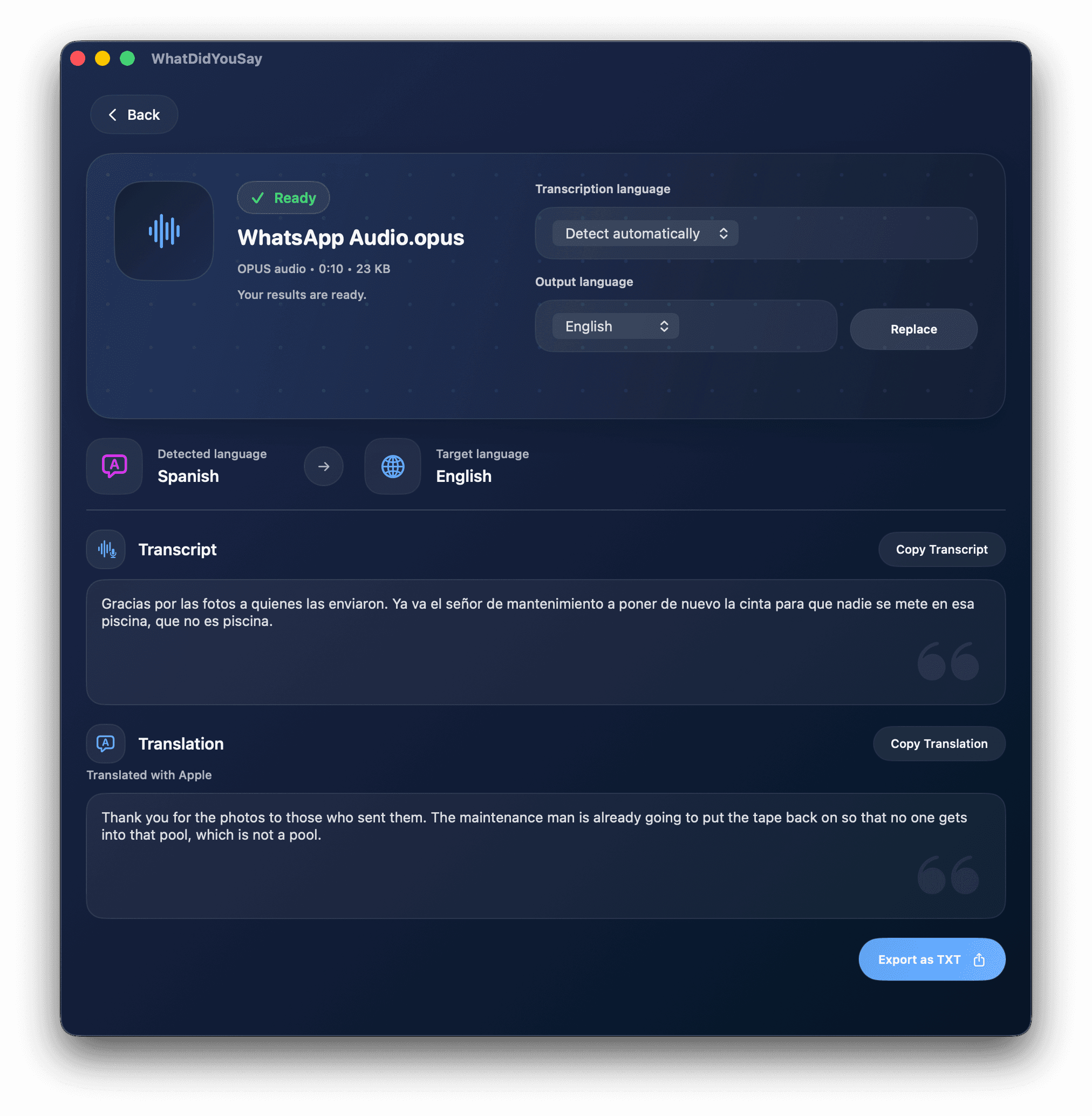
Everything runs on your Mac. No clouds. No servers.
Local transcription powered by Whisper.
Translate supported languages without uploading files.
No accounts. No tracking. No data collection.
Private by design
WhatDidYouSay is built around local processing. Your audio is not uploaded, stored on a server or used for tracking.

See it in action
Drop in a private audio or video file, let your Mac do the work, then copy the result.
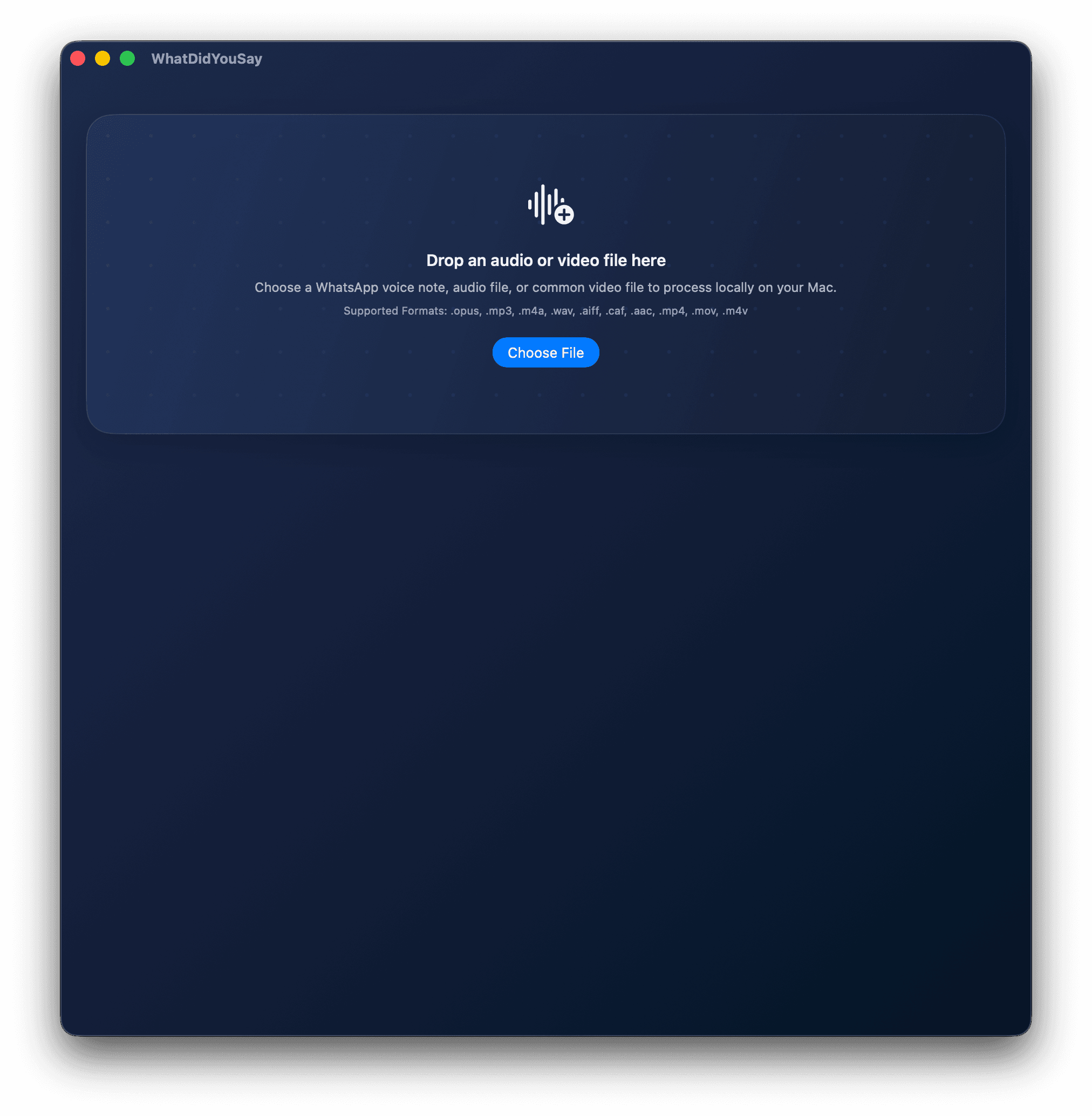
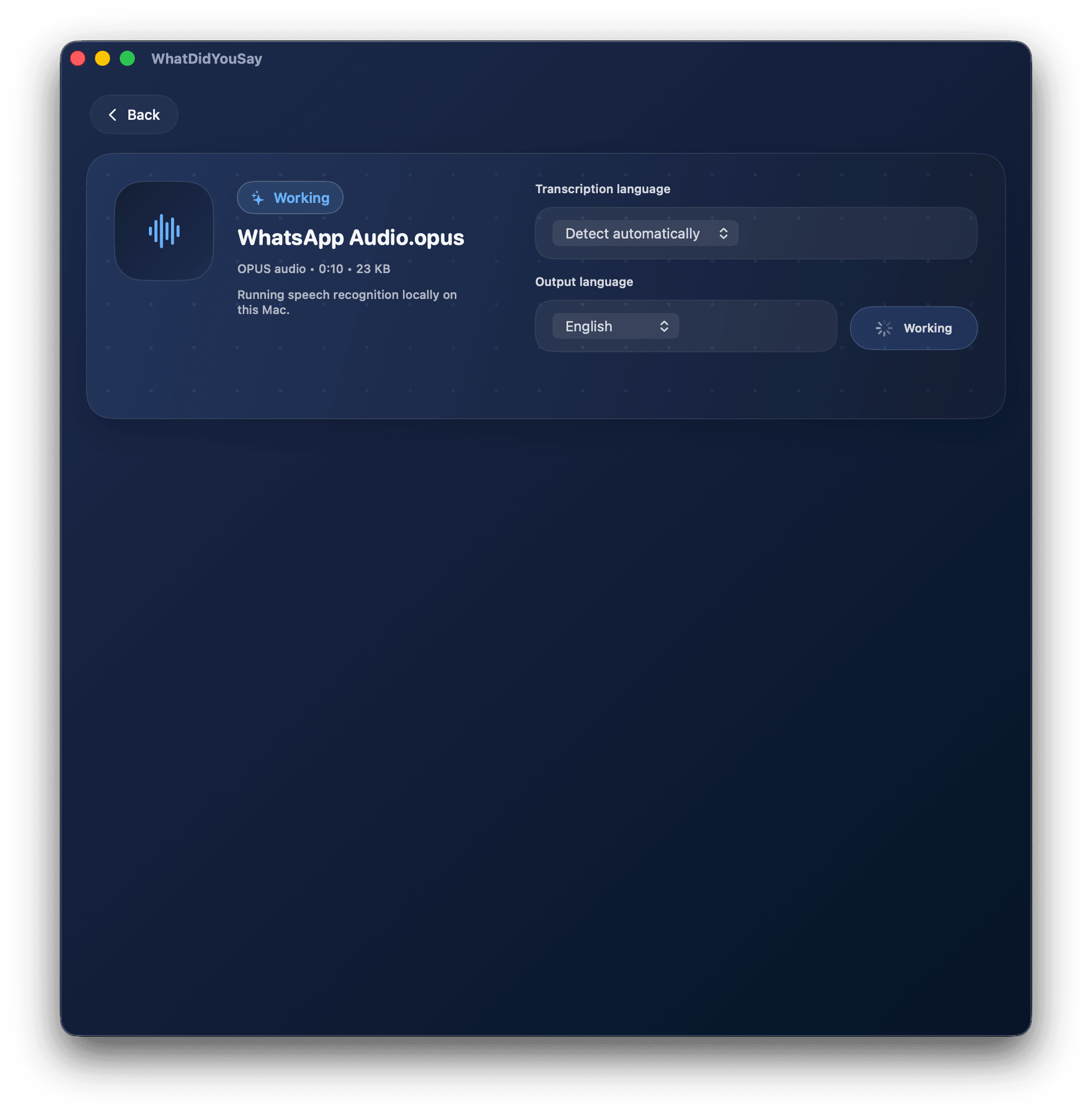
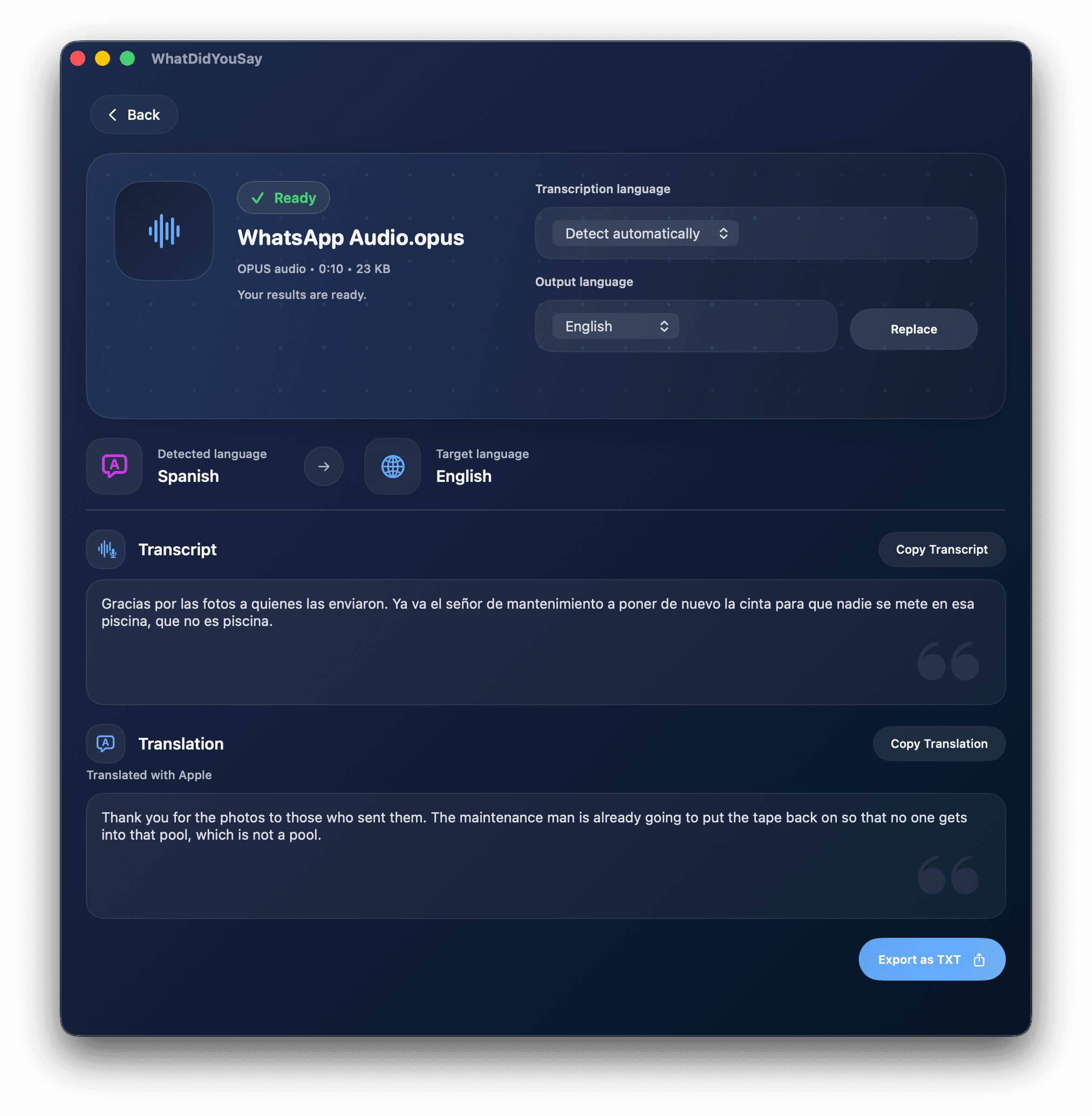
Use cases
Use WhatDidYouSay to transcribe WhatsApp voice notes, turn recordings into searchable text, translate spoken audio, and understand video clips without uploading private files.
Language support
WhatDidYouSay can transcribe speech in over 100 languages, then translate between Arabic, Dutch, English, French, German, Italian, Portuguese and Spanish.
Current supported translation languages
FAQ
No. Processing happens locally on your Mac.
Yes. It supports .opus voice notes as well as common audio and video files.
Current translation support includes Arabic, Dutch, English, French, German, Italian, Portuguese and Spanish.
No. There are no accounts, subscriptions or tracking.
WhatDidYouSay supports macOS 14+ on Apple Silicon and Intel Macs.
Download WhatDidYouSay from the Mac App Store.